

AI + Creativity — Process Documentation
Building My
Digital Mini-Me
A behind-the-scenes look at how I used Meshy AI, Claude, and Google Model Viewer to bring a 3D avatar of myself to life — from raw photos to a fully animated character living on the web.
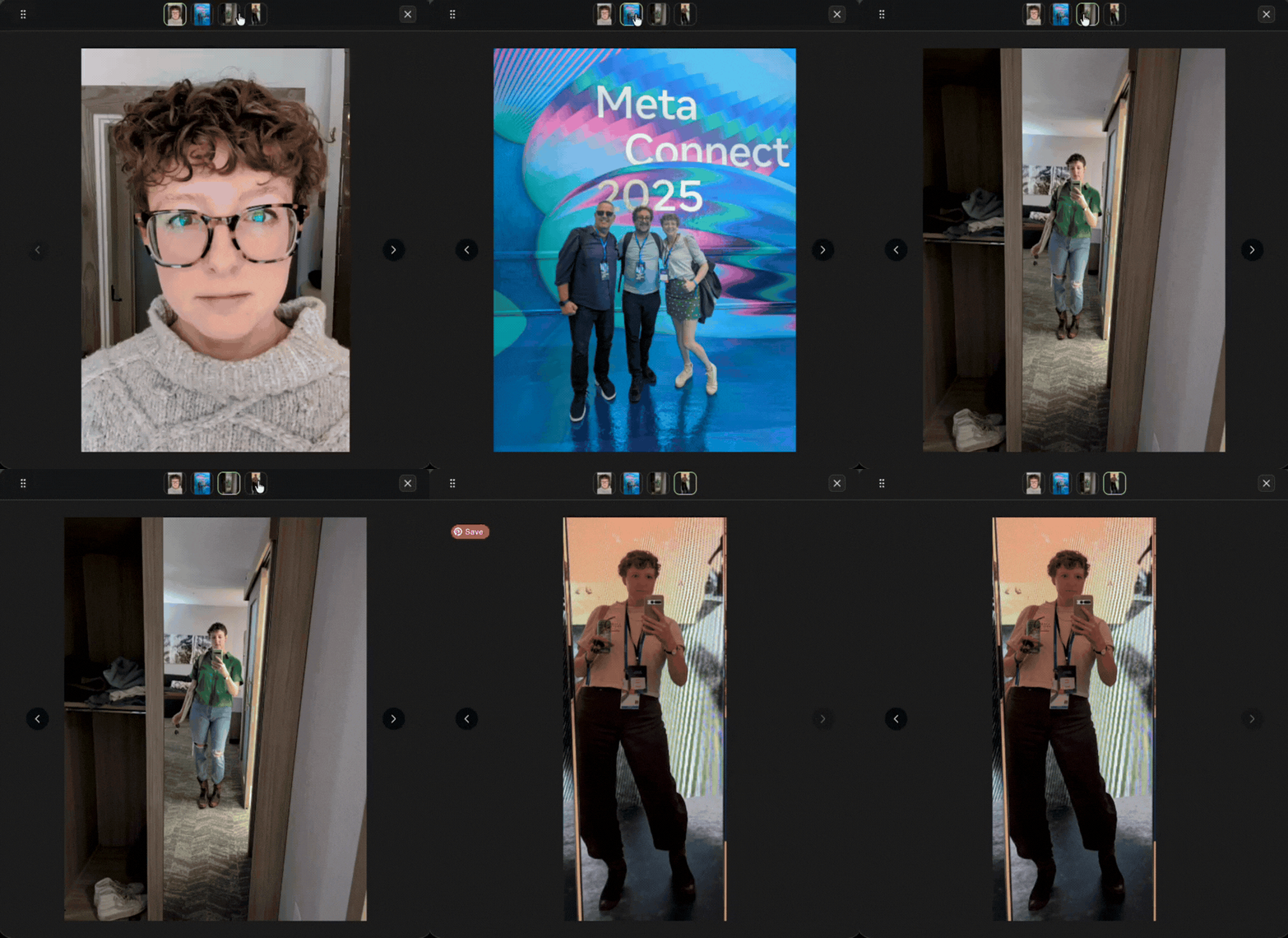
I started with 4 reference photos of myself and fed them into Meshy AI's image-to-avatar pipeline. From those, I generated around 8 different 2D avatar versions — experimenting with style, likeness, and which details translated best into an illustrated form.
The goal was to find a version that felt like me: the curly hair, glasses, and general vibe — without getting too photorealistic or too cartoonish.
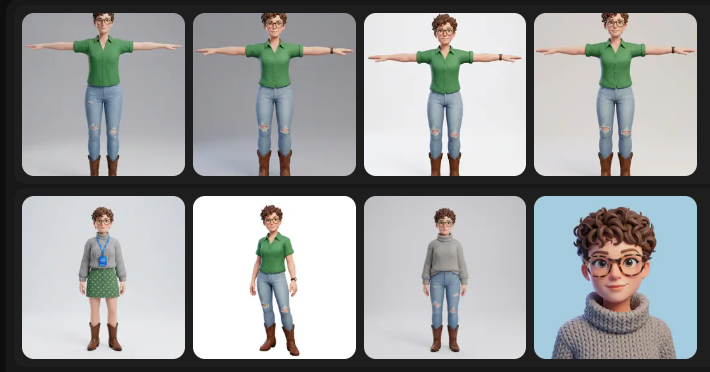
I took the best 2D avatar versions and tried inputting them into Meshy's image-to-3D pipeline. This involved a lot of trial and error — some outputs were promising, others were… abstract. The process of seeing a flat illustration become a 3D model is equal parts exciting and humbling.
Below is a selection of the attempts, showing what worked and what didn't before I found an approach that felt right.
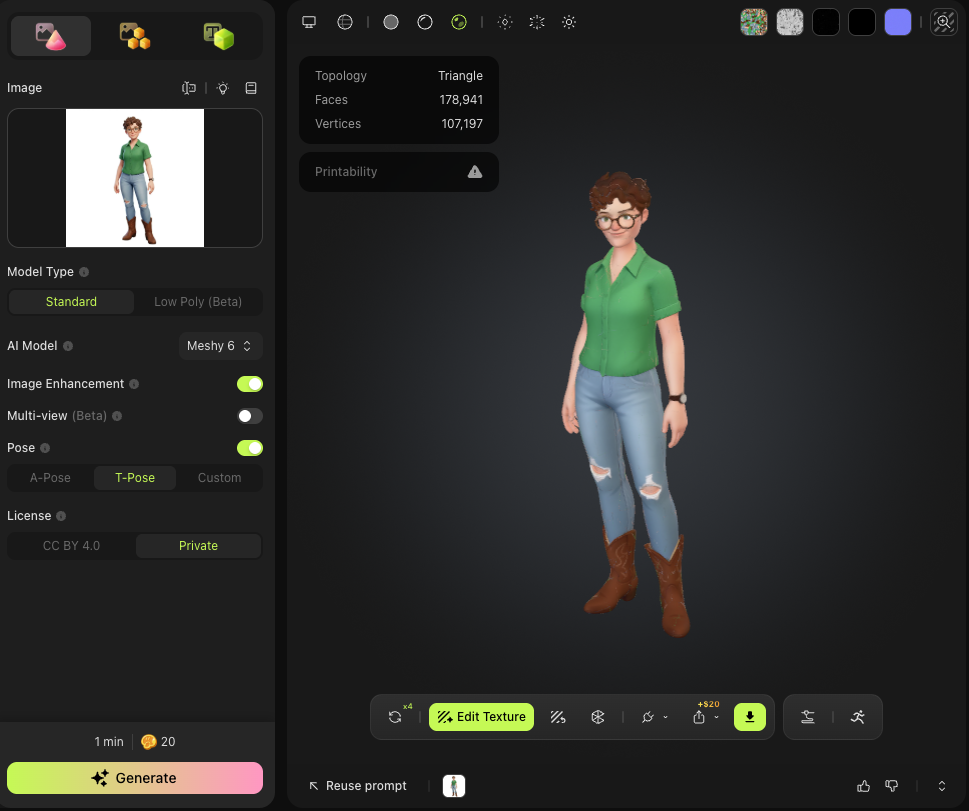
First attempt
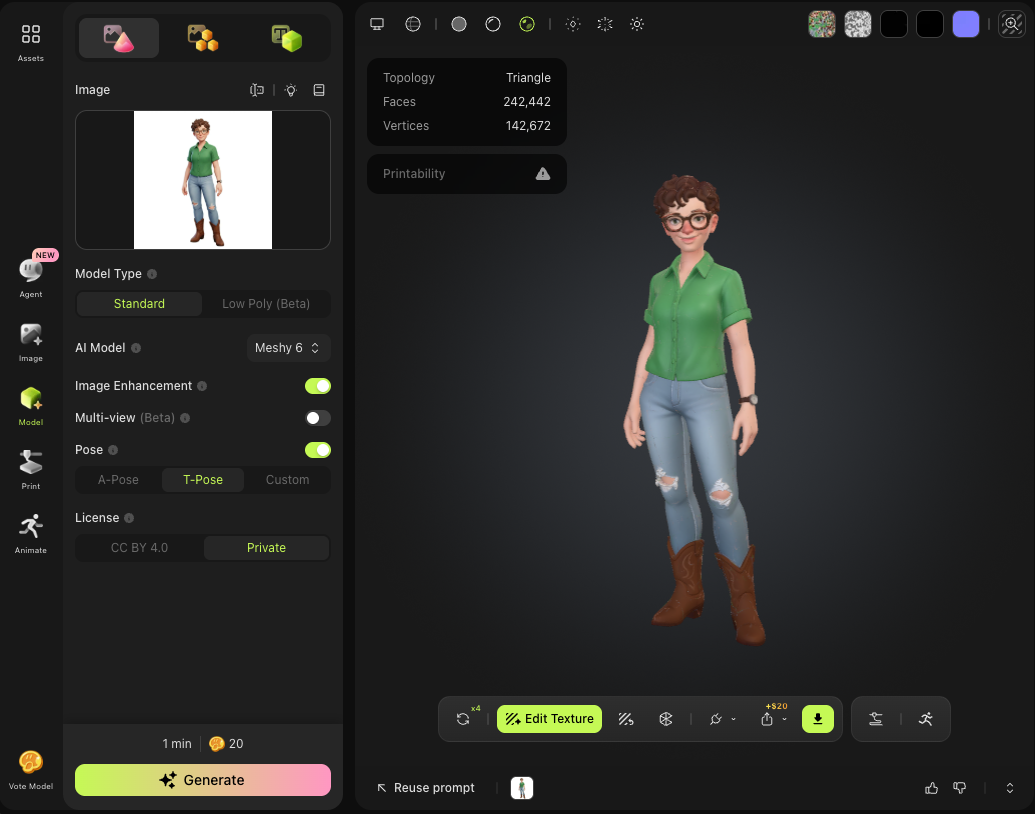
Somehow worse
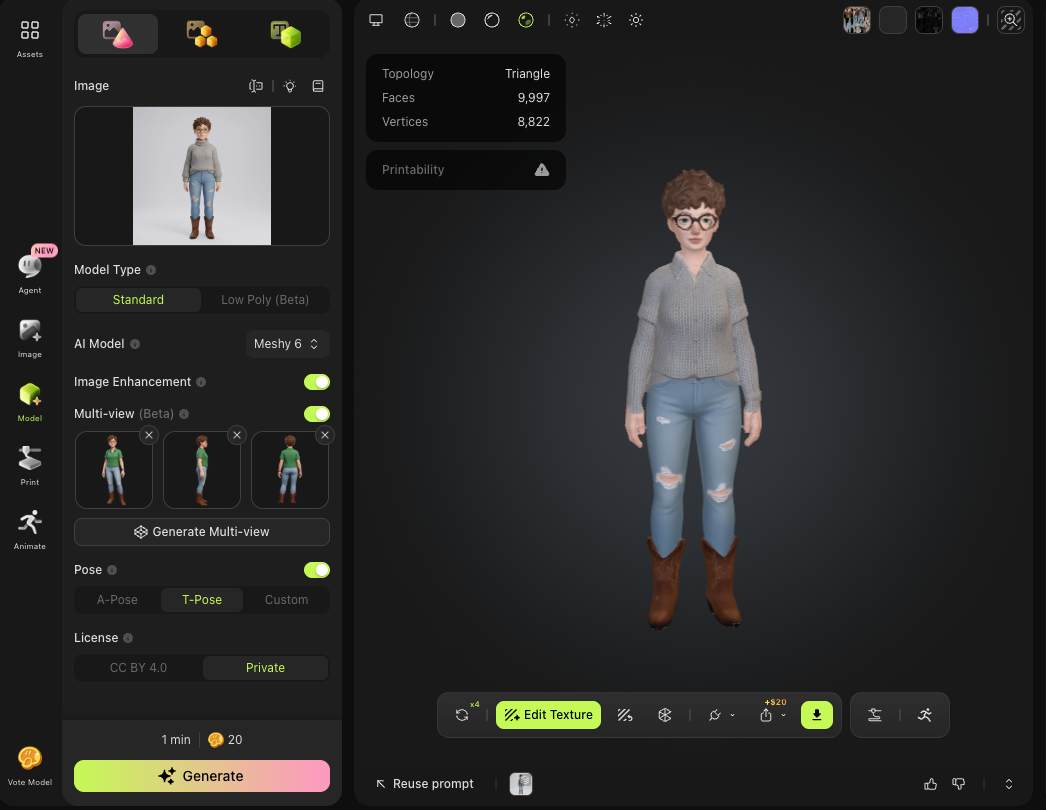
The winner ✓
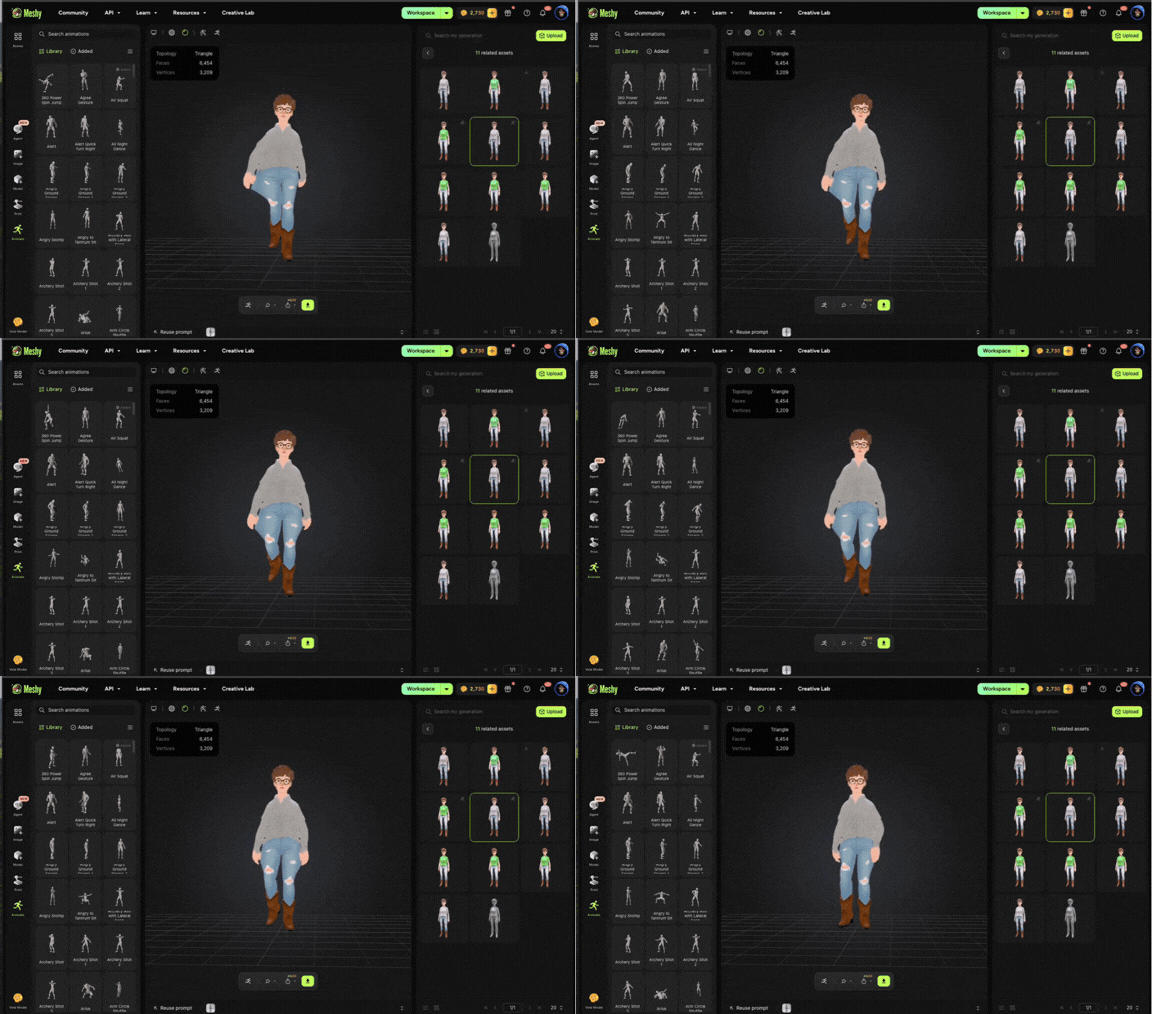
My first 3D model looked great in a static pose — but when I tried to animate her, something was immediately wrong. Because the model's arms were at her sides rather than in a T-pose, the rigging treated the arms as part of the body. Every animation moved her arms with the torso instead of independently.
You can see this in the video below — it's a little uncanny. The model essentially didn't have the right skeletal foundation for animation.
The fix was to rebuild the model from scratch using Meshy's T-pose option and the "Generate Multiview" feature — which generates multiple angles of the character before building the 3D model, giving it a much more accurate skeleton.
It took a few tries to get a result I was happy with, but eventually I landed on a model with proper arm positioning, better facial detail, and crucially — a rig that could actually animate correctly.
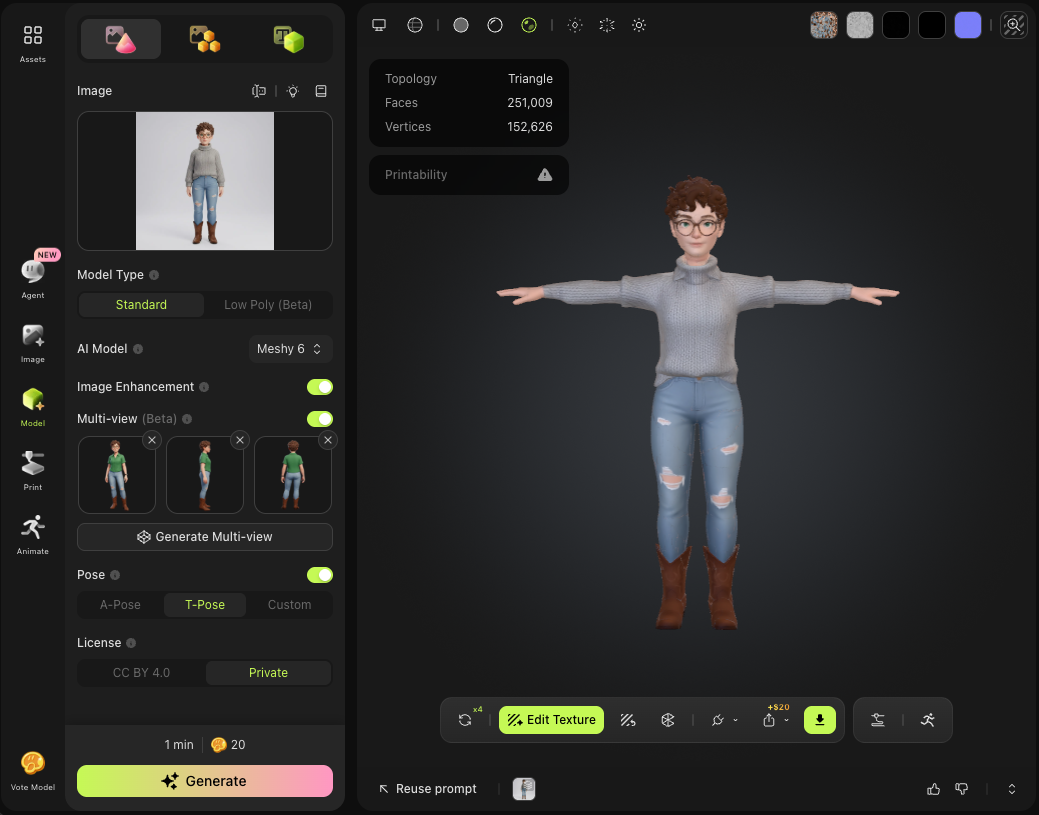
Early T-pose attempt
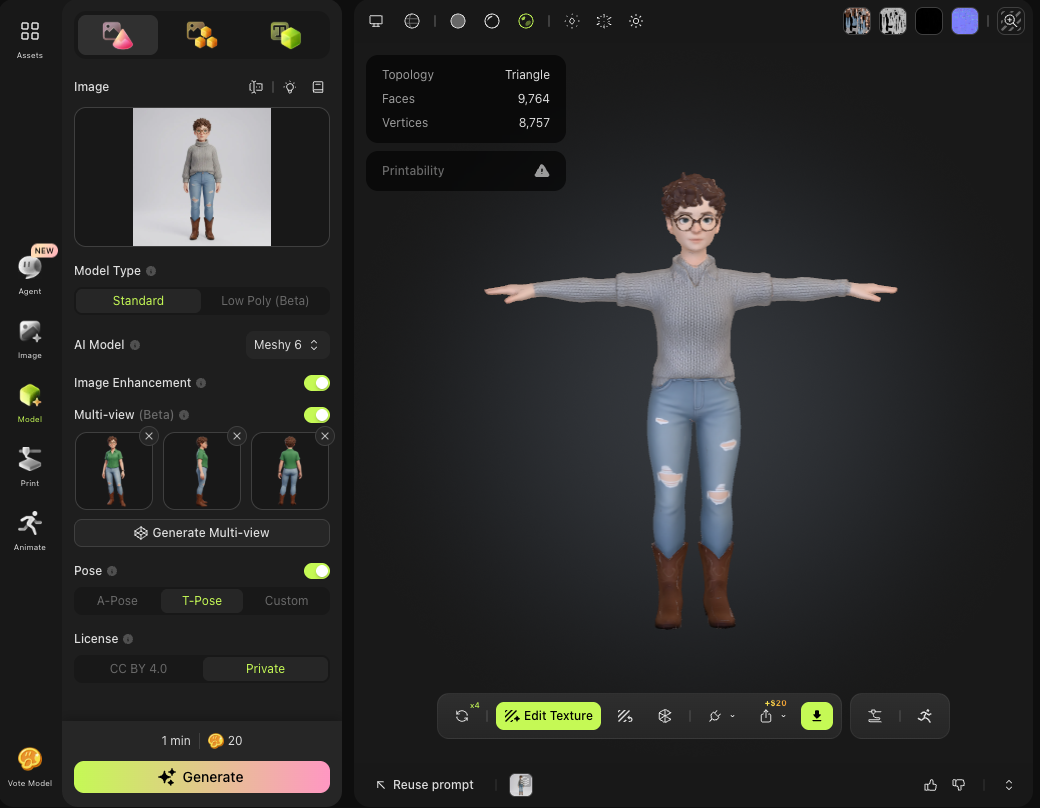
Success with multiview ✓
Animations from Meshy's library largely worked — but one issue persisted: during walking and running animations, the legs would clip through each other. This is a rigging limitation where the bone weights between the inner leg meshes overlap.
I tried adjusting individual bones to create more separation, but the mesh deformation remained. In the end, I decided to accept the clipping — it's subtle enough that it reads as character rather than bug, and spending more time on it meant less time building the actual portfolio.
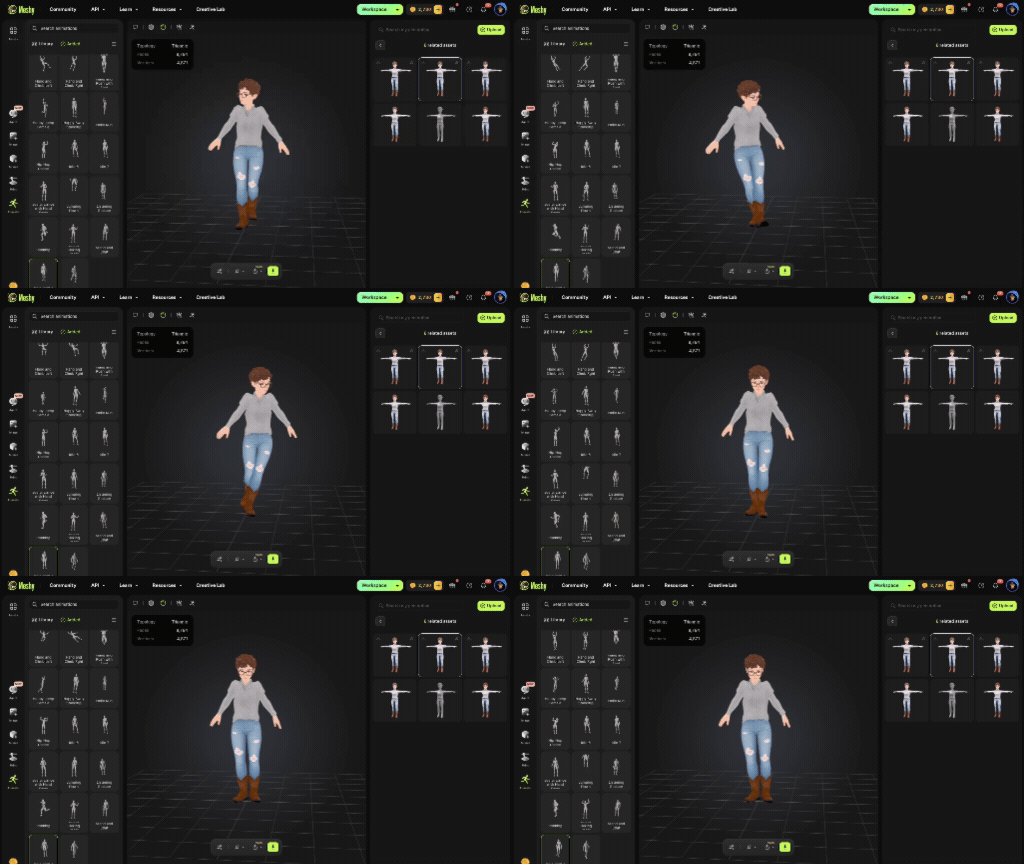
Leg clipping in action
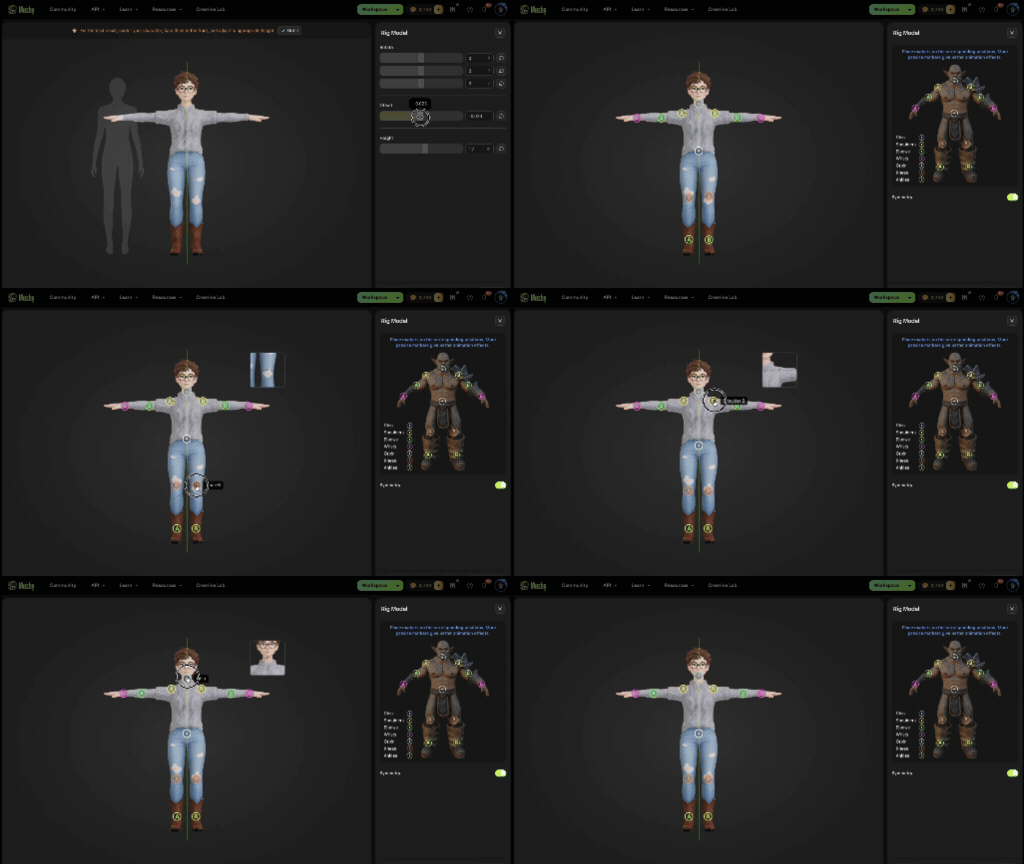
Attempting bone adjustments
My first attempt at embedding the avatar used Spline — a 3D web tool that lets you add interactions and animations visually. I got it working, but the pricing to host separate scenes per page made it cost-prohibitive as a long-term solution.
I switched to Google Model Viewer — a free, open-source web component. But immediately hit a new problem: the avatar looked fine inside Meshy, but rendered with a heavy metallic sheen on the web. The culprit was Meshy's default PBR material maps (KHR_materials_specular and KHR_materials_ior) being interpreted too aggressively by Model Viewer's renderer.
I reached out to Meshy's support team directly — and their response confirmed this was expected behavior from their web app's export pipeline, with no direct toggle available to users.
After extensive experimentation with Claude — working through lighting environments, tone mapping, exposure, and HDR settings — I found a combination that closely matched Meshy's original look.
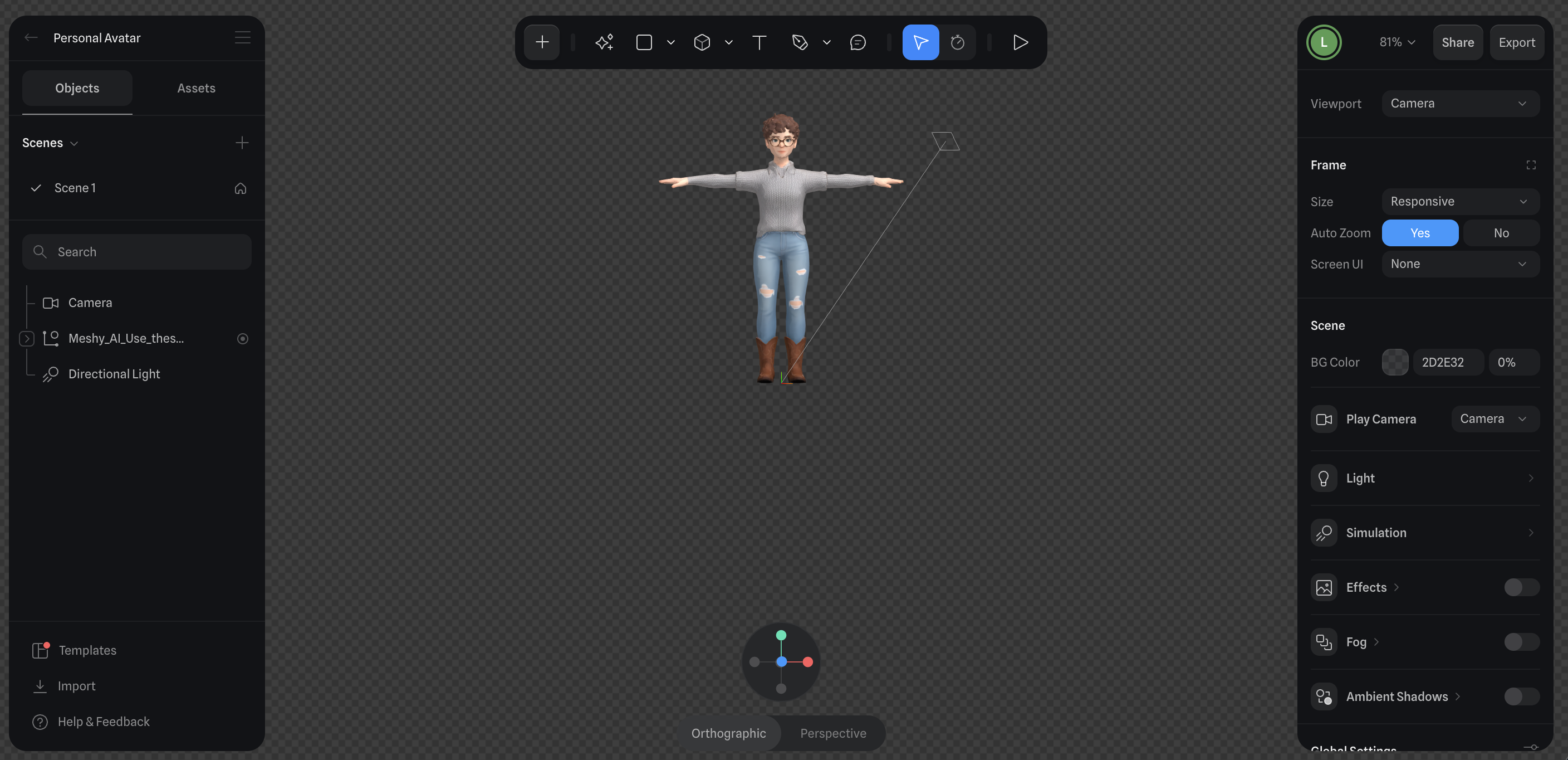
Spline UI — first attempt
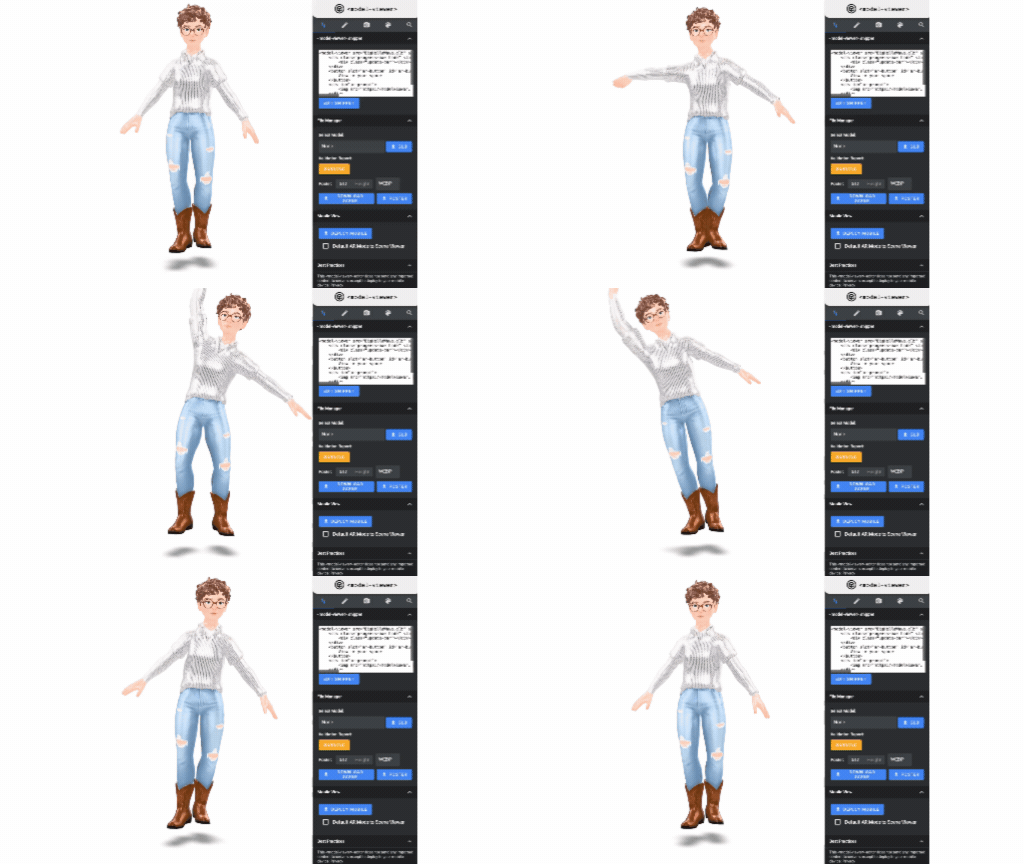
The metallic problem
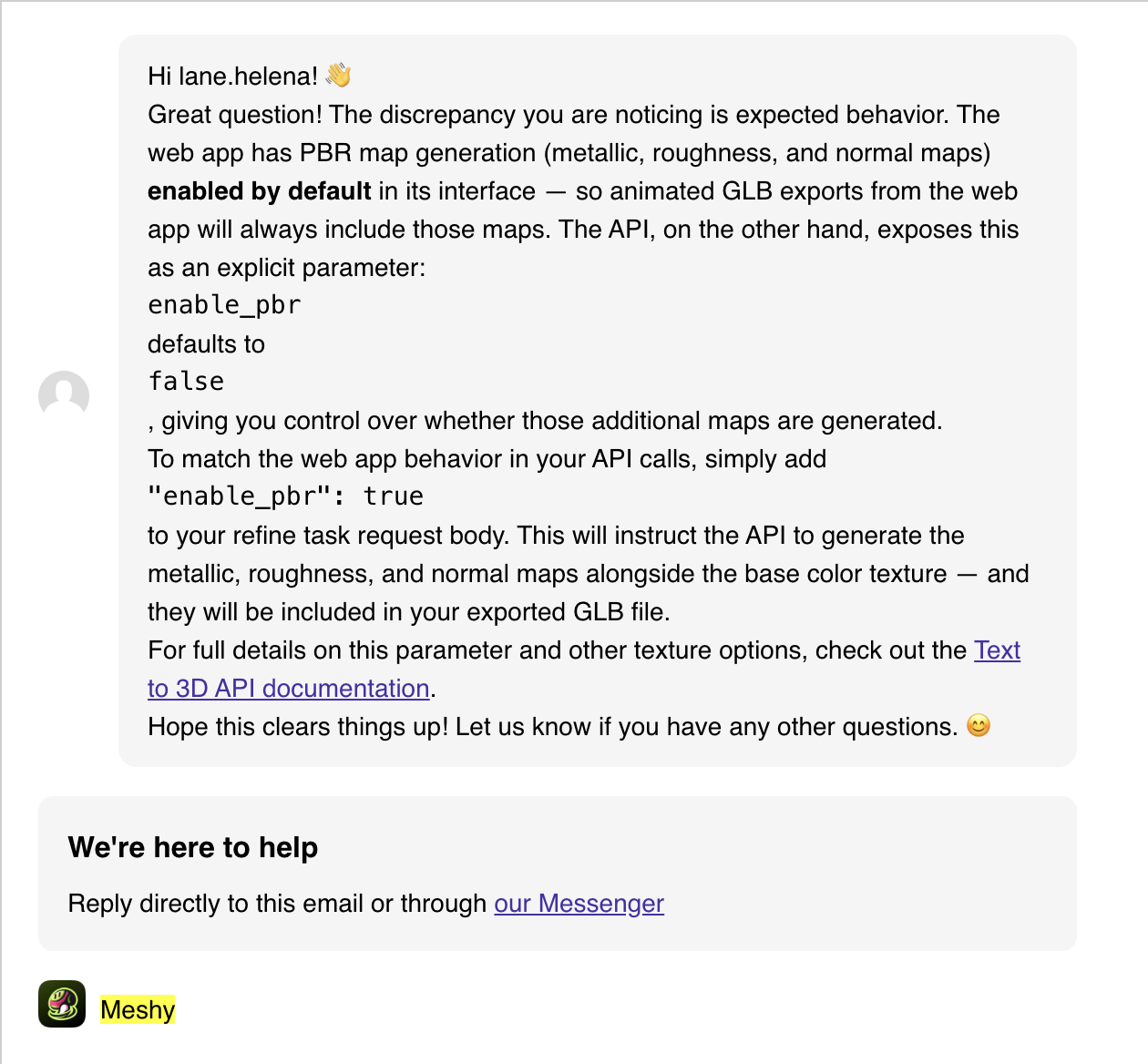
Meshy support response
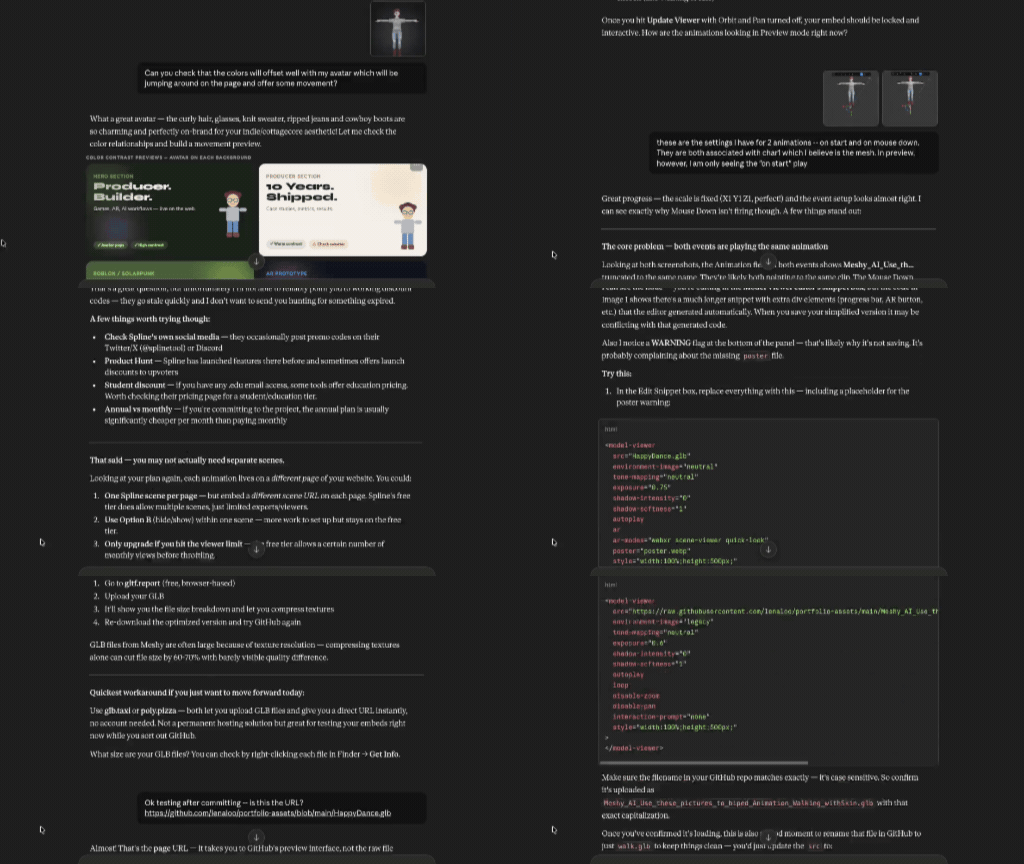
Iterating with Claude